
Do you want to build your site like the demo? You can do it by only one click!
First, install and activate One Click Demo Import plugin. Here’s the plugin link: https://wordpress.org/plugins/one-click-demo-import/
** Note: Before proceeding, please remember that when you are done with the demo import, all existing settings and contents will be removed and replaced by the demo contents. So it is highly recommended that you should only do this in fresh site. **
From the Admin menu, navigate to Appearance -> Import Demo Data .
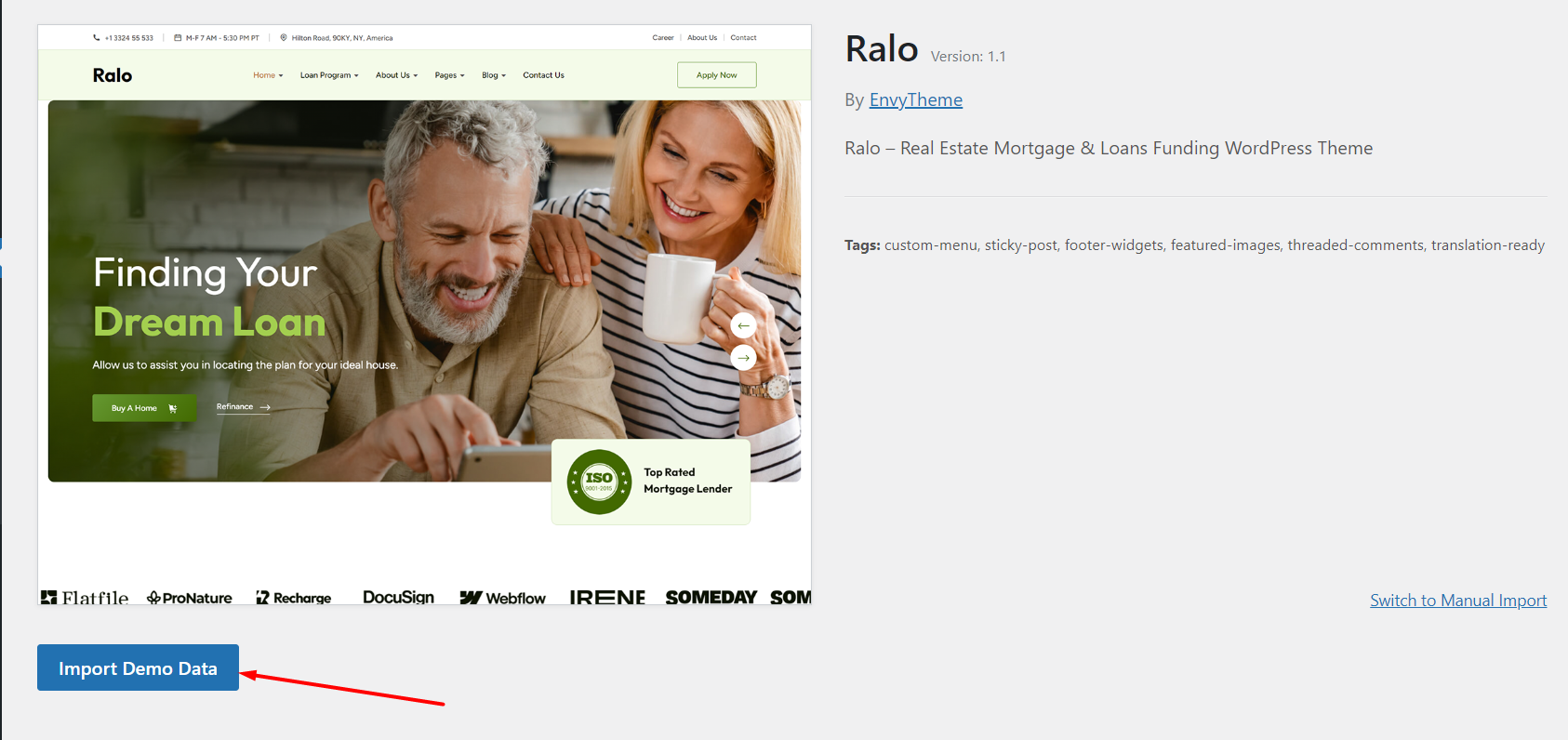
On this page, Click on the Import Demo Data button for installing the demo.
It will take some time for importing the demo contents.
After importing demo data, please update your permalink. To update permalink, navigate to Settings -> Permalink and then click on Save Settings button