Once the Leadx theme is installed and activated along with all the required plugins, the Dashboard will include the Theme Options, allowing you to customize the website’s appearance easily.
The Theme Options panel in the Leadx theme allows users to customize and configure various aspects of their website without touching any code. This section provides an intuitive interface to modify the website’s design, layout, and functionality. Below is a breakdown of each option available in the Theme Options panel:
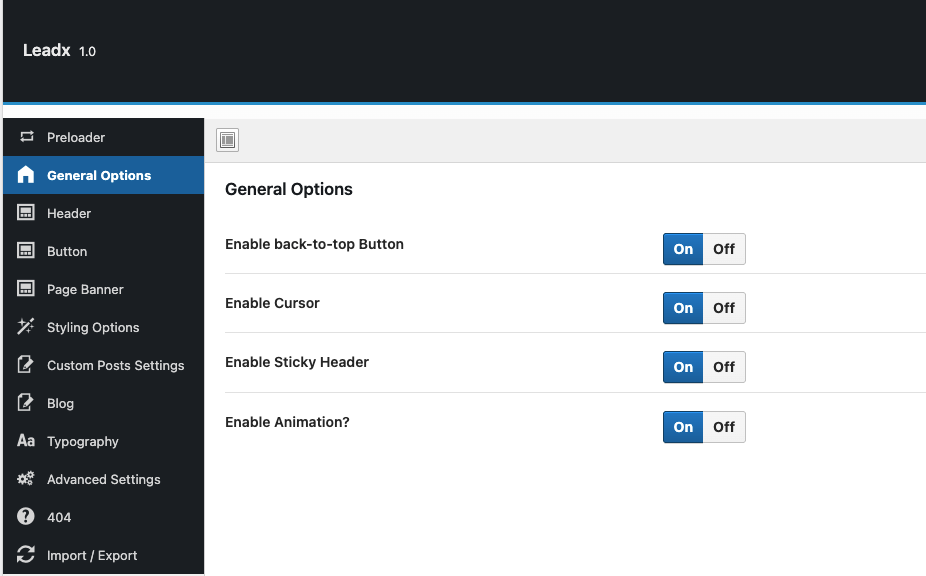
General Options
Configure global settings for the theme, such as enable/disable Back-to-top, Cursor, Sticky Navbar, RTL mode, and other primary configurations.
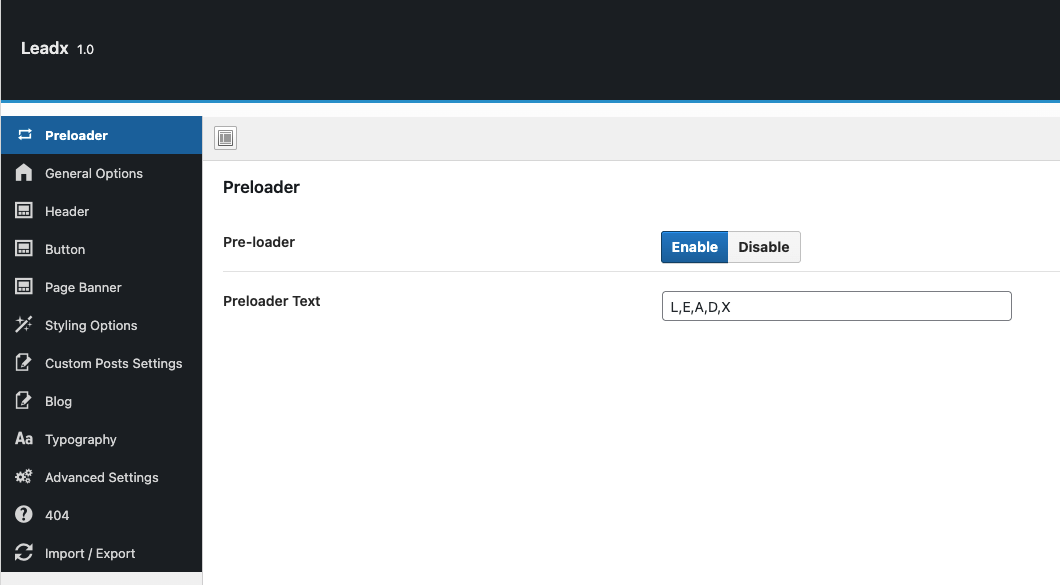
Preloader
Manage the website’s preloader settings.
Enable or disable the preloader animation.
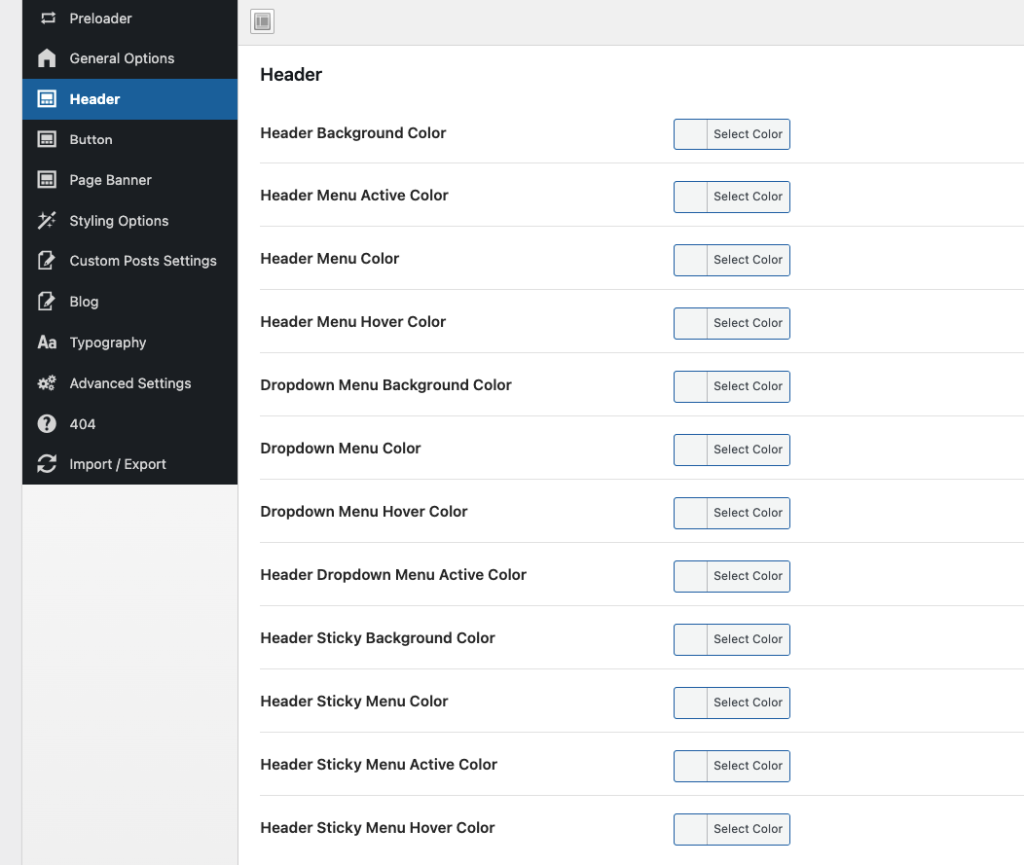
Header
Customize the website’s header styling
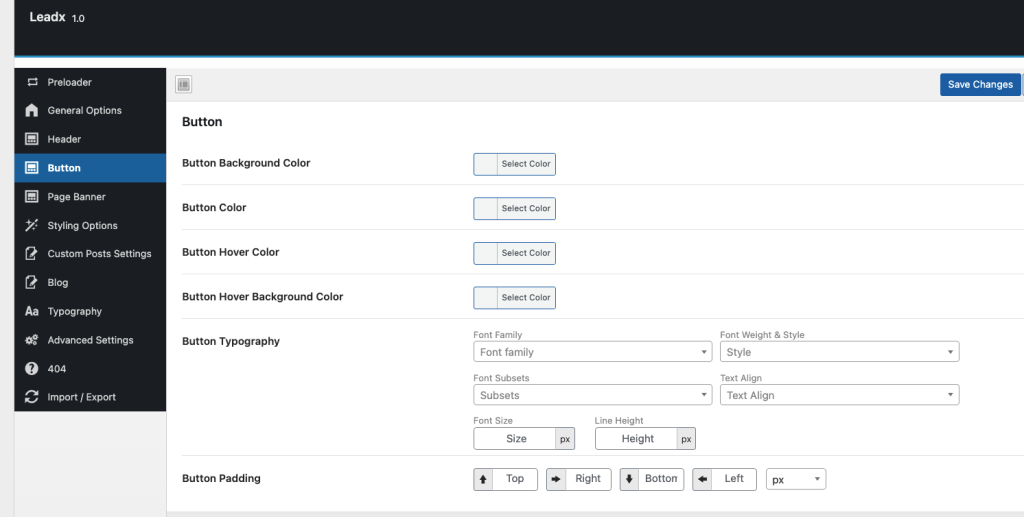
Button
Global button styling
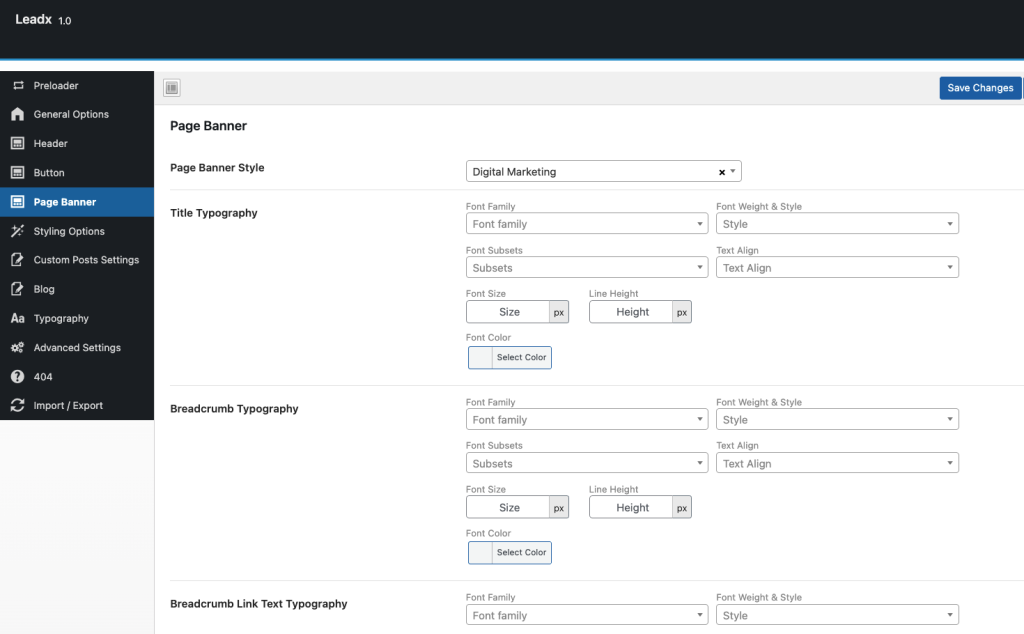
Banner
Customize the banner section style for different pages — manage layout, colors, typography, and shape images.
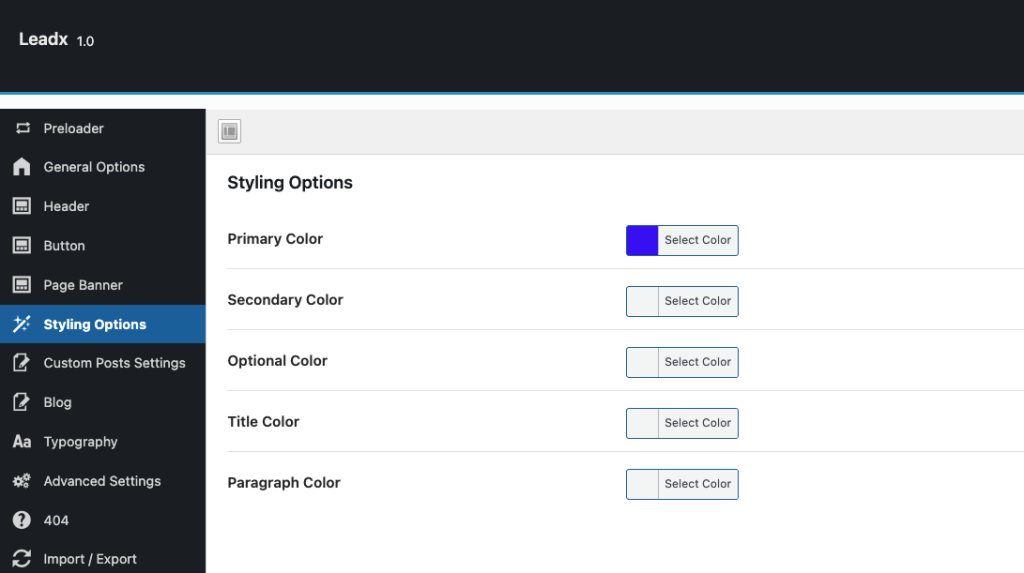
Styling Options
Change global colors of the theme.
Blog Settings
Manage blog page layout, post styles, and sidebar options.
Enable/disable metadata like author name, date, comments, and tags.
WooCommerce(If WooCommerce is installed)
Configure shop-related settings, including product page layout, cart design, and checkout options.
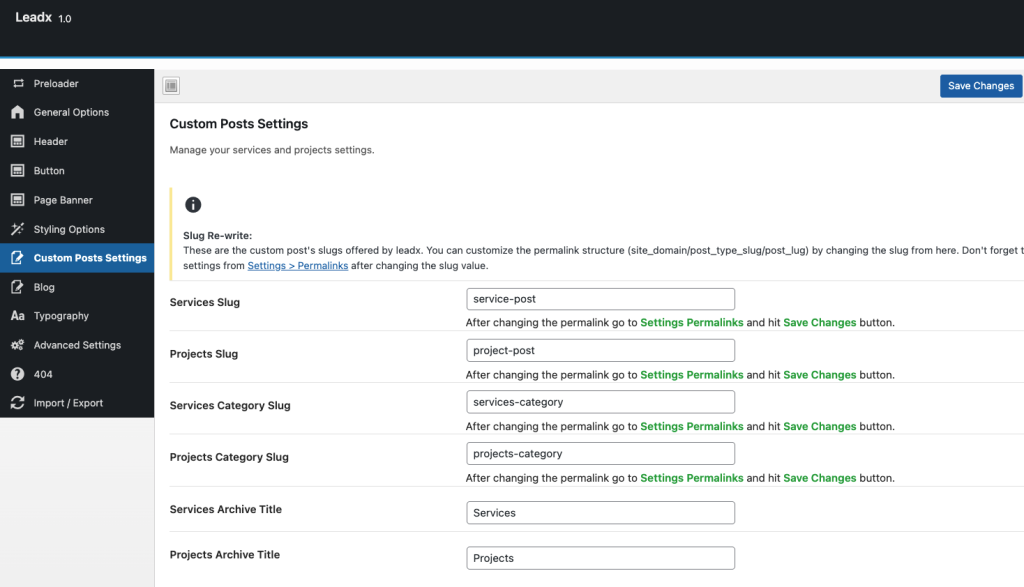
Custom Posts(For theme provided custom post ex: Services)
Customize custom post single page.
Custom post slug update options and etc.
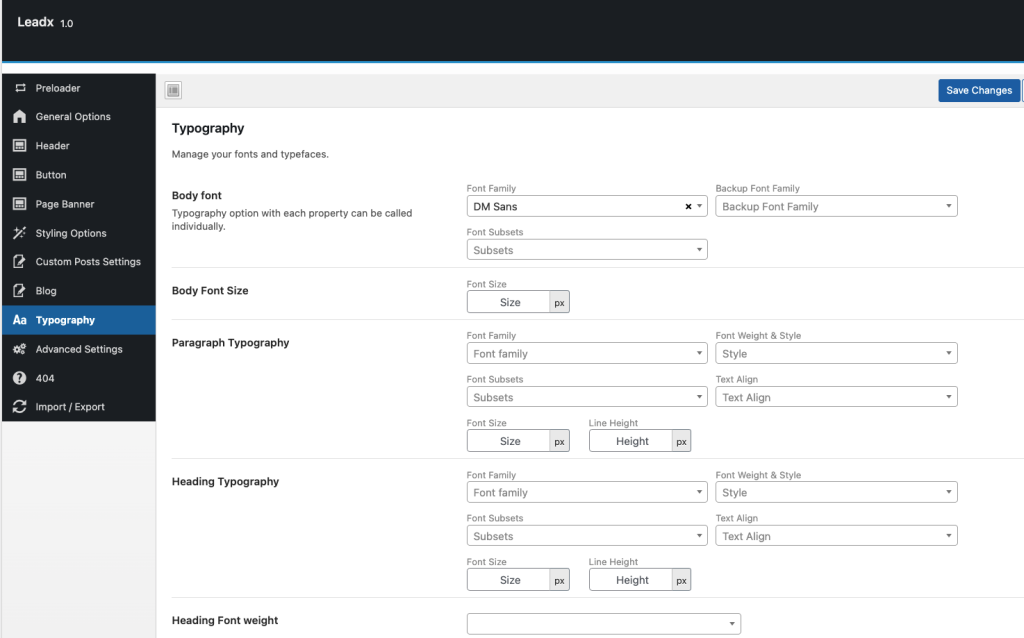
Typography
Select and customize fonts for headings, body text, and other typography elements.
Adjust font size, weight, spacing, and line height for better readability.
Advanced Settings
Modify advanced theme settings such as custom CSS and JavaScript.
404 Settings
Customize the 404 Error Page design.
Add custom messages, background images, and navigation links to guide visitors when a page is not found.
Conclusion
The Theme Options panel provides complete control over the theme’s customization, making it easy for users to modify their website according to their needs. It ensures a user-friendly, flexible, and visually appealing experience without requiring coding knowledge.